Notifications: new sign-ups, buyer feedback and tour requests
One feed for everything buyers do: new sign-ups from your link, feedback on homes and tour requests.
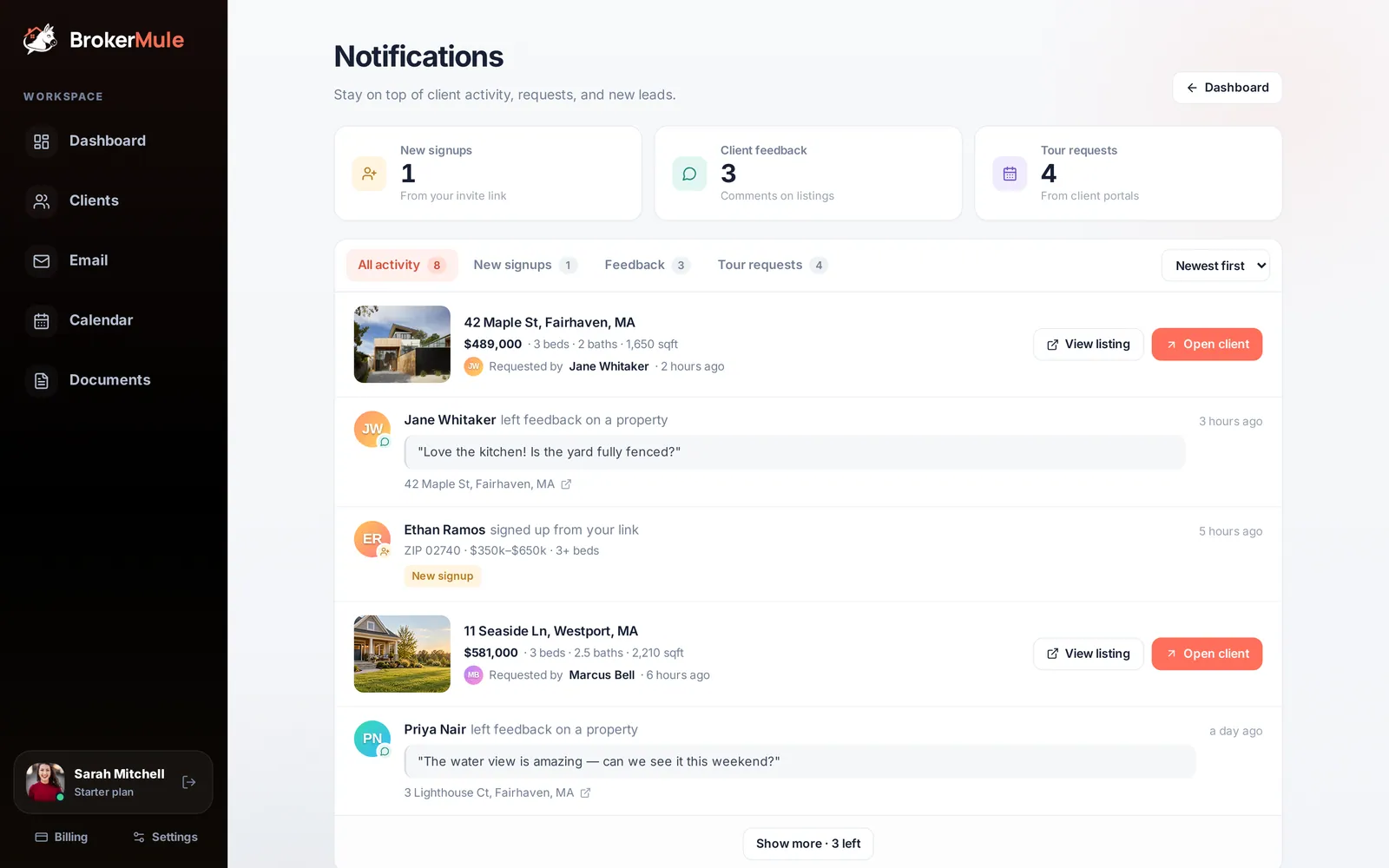
Notifications collects everything your buyers do that you might need to act on: people who signed up through your link, comments they left on homes, and homes they asked to see. Instead of checking every client one by one, you get a single feed you can clear in a few minutes.
Open it from the bell at the top of the dashboard or Clients page, or from Alerts in the More menu on your phone. A small dot on the bell means something new has happened since you last looked.
What creates a notification
Three kinds of buyer activity show up here:
- A new sign-up. Someone fills in your invite link form. They're saved as a client with texts paused, waiting for you to review them.
- Feedback on a home. A buyer leaves a comment on a listing in their portal, like "Love the kitchen, but the yard is too small."
- A tour request. A buyer taps Request a tour on a home in their portal, or replies TOUR to one of your listing texts.
Ordinary chat messages aren't repeated here. They show up on the dashboard and as an unread badge on the client's card, so the feed stays focused on things that need a decision.
The three summary cards
The cards at the top count each type:
- New signups – people who signed up through your invite link and are still waiting to be activated
- Client feedback – comments left on homes in their portal
- Tour requests – homes buyers asked to see
Click a card to jump straight to that type.
Filtering and sorting
Use the tabs (All activity, New signups, Feedback and Tour requests) to focus on one type, and switch between Newest first and Oldest first. The feed shows the five most recent items at a time; click Show more to load older activity.
Oldest first is handy on a busy Monday: work from the top and you'll answer buyers in the order they reached out.
Acting on each notification
- New signup – shows the buyer's ZIP or area, budget and beds. Open the client to check their search, fix anything they typed wrong, and switch on their texts when you're ready. Once you activate them, they move off the New signups list.
- Feedback – shows the comment and the home it's about. Open the listing to see what they mean, or reply in the client's chat. Feedback is gold for tightening a search: if three homes get "too far from the highway," narrow the radius on their client page.
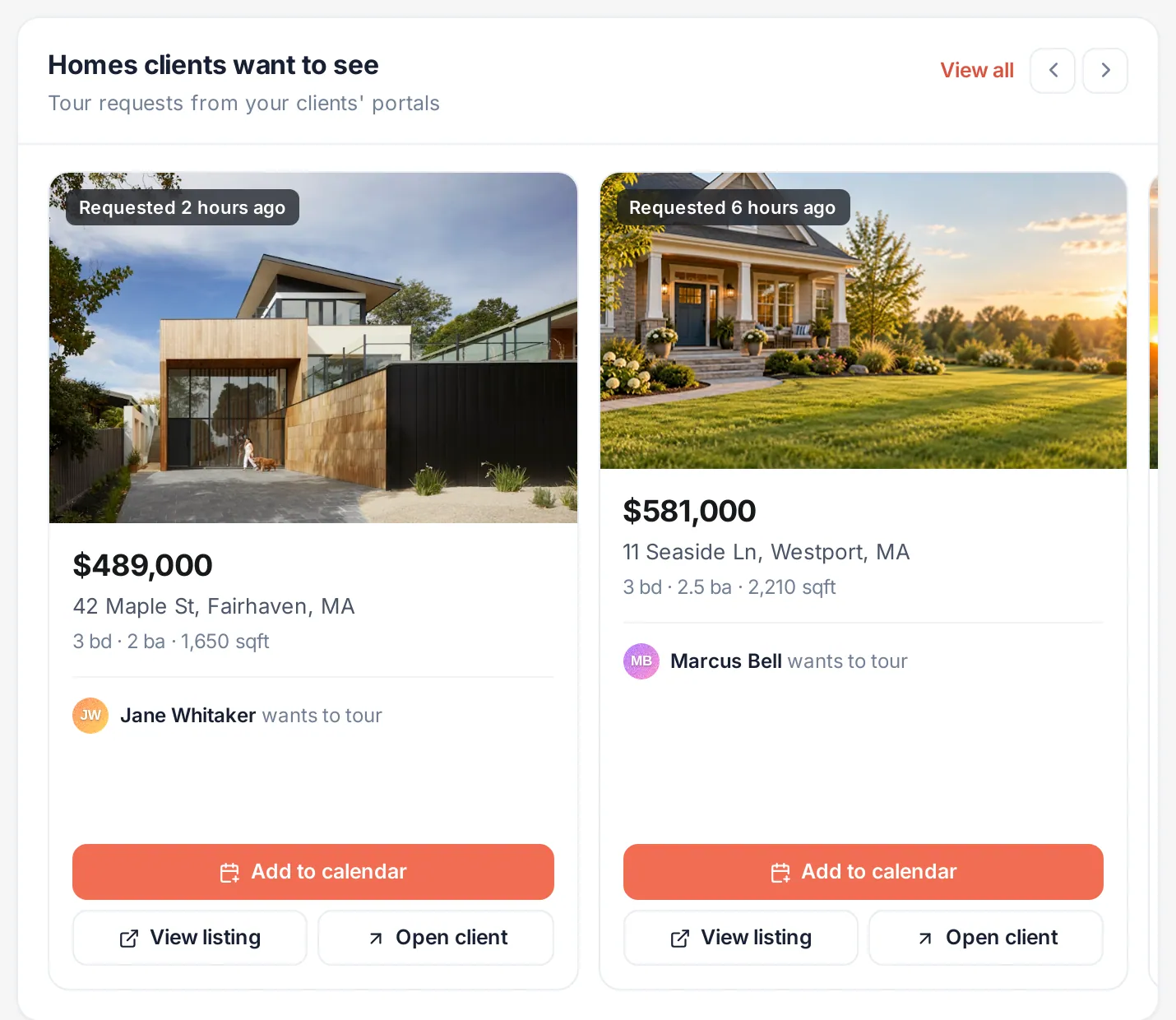
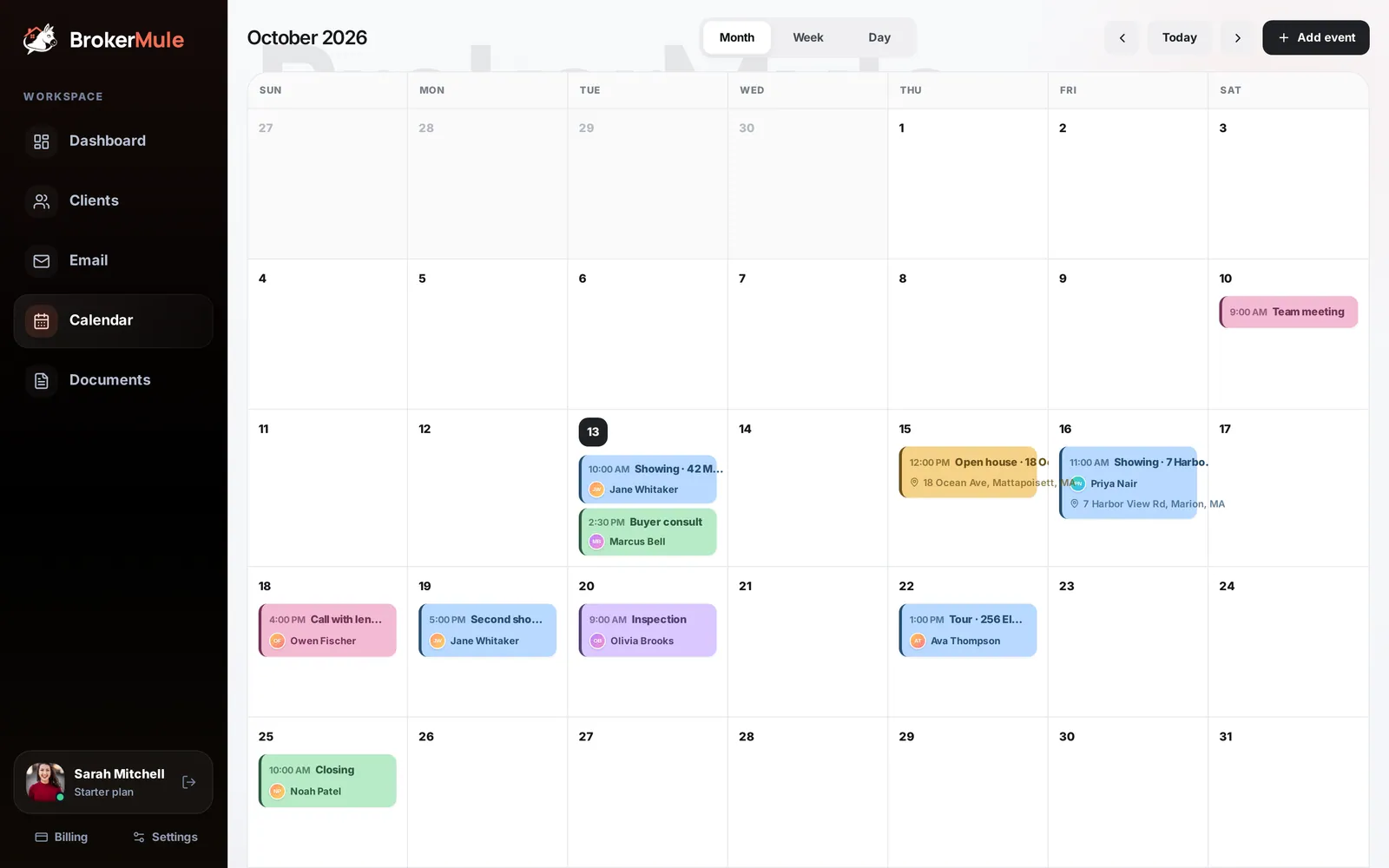
- Tour request – shows the home's photo, price and details plus who requested it. Use View listing or Open client, then add the showing to your calendar and confirm a time with the buyer in chat.
How the bell dot works
The dot appears when there's a new sign-up, piece of feedback or tour request since you last opened Notifications. Opening the page clears it.
The "last opened" time is remembered by each browser, so clearing the dot on your laptop doesn't clear it on your phone. That's deliberate: if you've only checked on one device, the other still reminds you.
A two-minute daily routine
- Open Notifications first thing and pick Oldest first.
- Activate any genuine new sign-ups (and leave anyone who looks like spam paused).
- Reply to feedback in each client's chat, adjusting searches where a pattern shows up.
- Turn tour requests into calendar events and confirm times.
The same feedback and tour requests also appear on your dashboard and on each client's page, so nothing gets missed even if you skip a day.
Frequently asked questions
What does the dot on the bell mean?
There is a new sign-up, piece of feedback or tour request since you last opened Notifications on that device.
Do I get notified when a buyer replies TOUR by text?
Yes. A TOUR reply creates a tour request for the featured home, which shows up in Notifications and on your dashboard.
Why did a sign-up disappear from the New signups tab?
New signups lists people who joined through your invite link and are still paused. Once you activate their texts, they become a regular active client and leave that list.
Why is the dot still showing on my phone?
Each browser remembers when you last opened Notifications. Open Notifications on your phone too and the dot clears there.
Are chat messages included?
No. Chat messages appear on your dashboard and as unread badges on the Clients page. Notifications focuses on sign-ups, feedback and tour requests.
Related guides
From the blog
All articles Lead follow-upSpeed to Lead in Real Estate: Why the First Hour Decides Who Wins the Buyer
What the research says about lead response time, and how a solo agent can answer every lead within minutes.
 Working with buyersHow to Plan a Showing Tour for Buyers: Scheduling, Routes and What to Do at Each Home
How many homes to book, how to schedule and route them, and how to make every stop count.
 Working with buyersQuestions to Ask Buyers After a Showing (and How to Use Their Answers)
The questions that get honest answers after a showing, plus a scorecard you can reuse on every tour.