Billing and plans: Free, Starter and Pro explained
What each plan includes, how seats work, and how to upgrade, change or cancel your subscription.
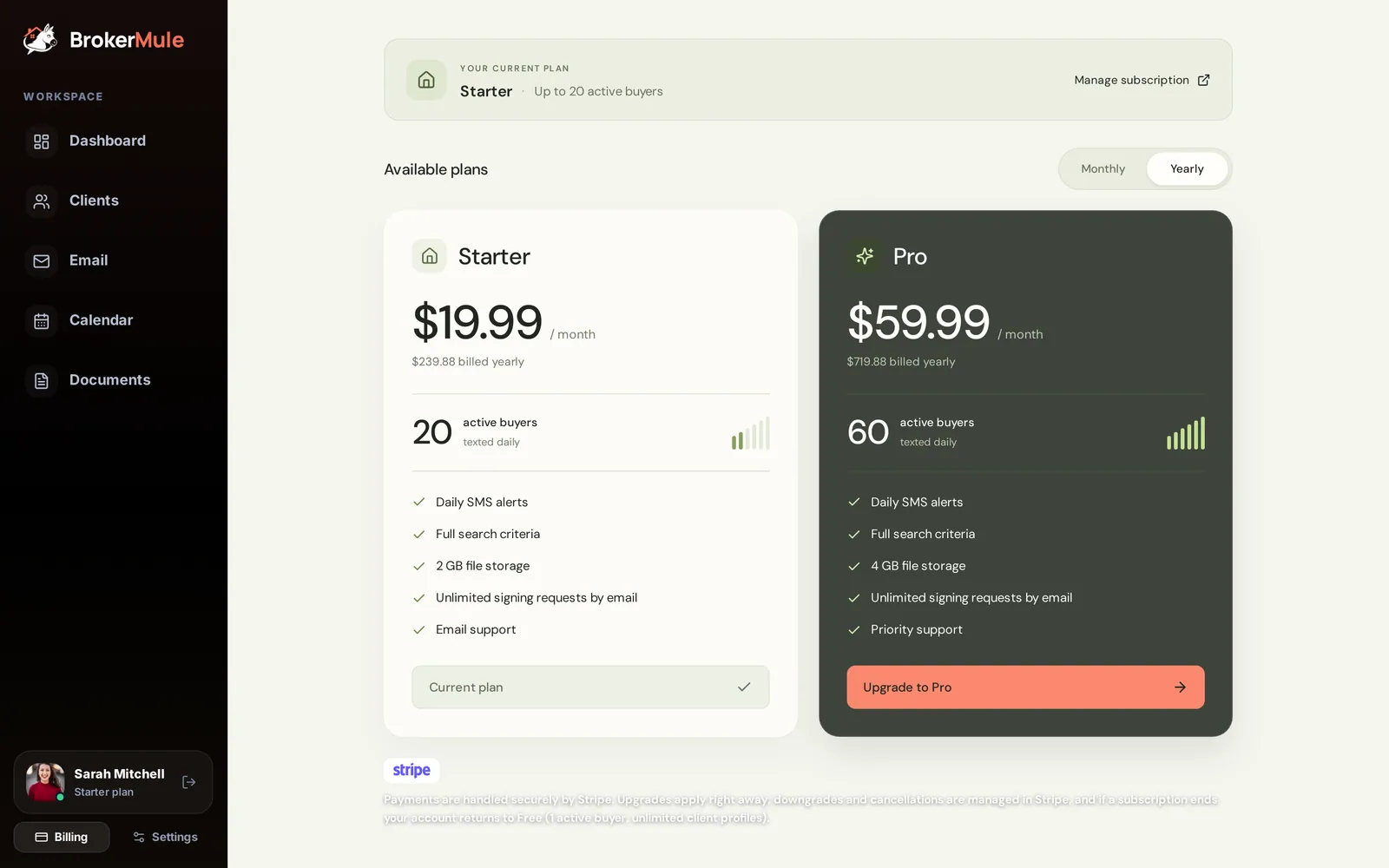
BrokerMule's CRM is free on every plan: unlimited client profiles, notes, pipeline, portal links, chat, calendar and documents. Plans differ in how many clients can receive automated listing texts at once, plus email campaigns and storage.
What each plan includes
| Free | Starter | Pro | |
|---|---|---|---|
| Active texting clients | 1 | 20 | 60 |
| Client profiles and CRM | Unlimited | Unlimited | Unlimited |
| Marketing emails per month | – | 100 | 600 |
| Document storage | 0.5 GB | 2 GB | 4 GB |
| Support | – | Priority | |
| Monthly price | $0 | $29 | $79 |
| Billed yearly | $0 | $19.99/mo | $59.99/mo |
See current pricing for the latest, including any sale that's running.
Which plan is right for you?
- Free – try automated texts with one buyer and use the whole CRM for everyone else. Good for seeing how buyers react before you commit.
- Starter – for most solo agents. Twenty active buyers is plenty for a typical pipeline, since buyers who are under contract or taking a break can be paused.
- Pro – for busy agents and small teams working a lot of buyers at once, or anyone who sends regular email campaigns to a bigger list.
You can switch plans whenever your business changes, so there's no need to over-buy.
How seats work
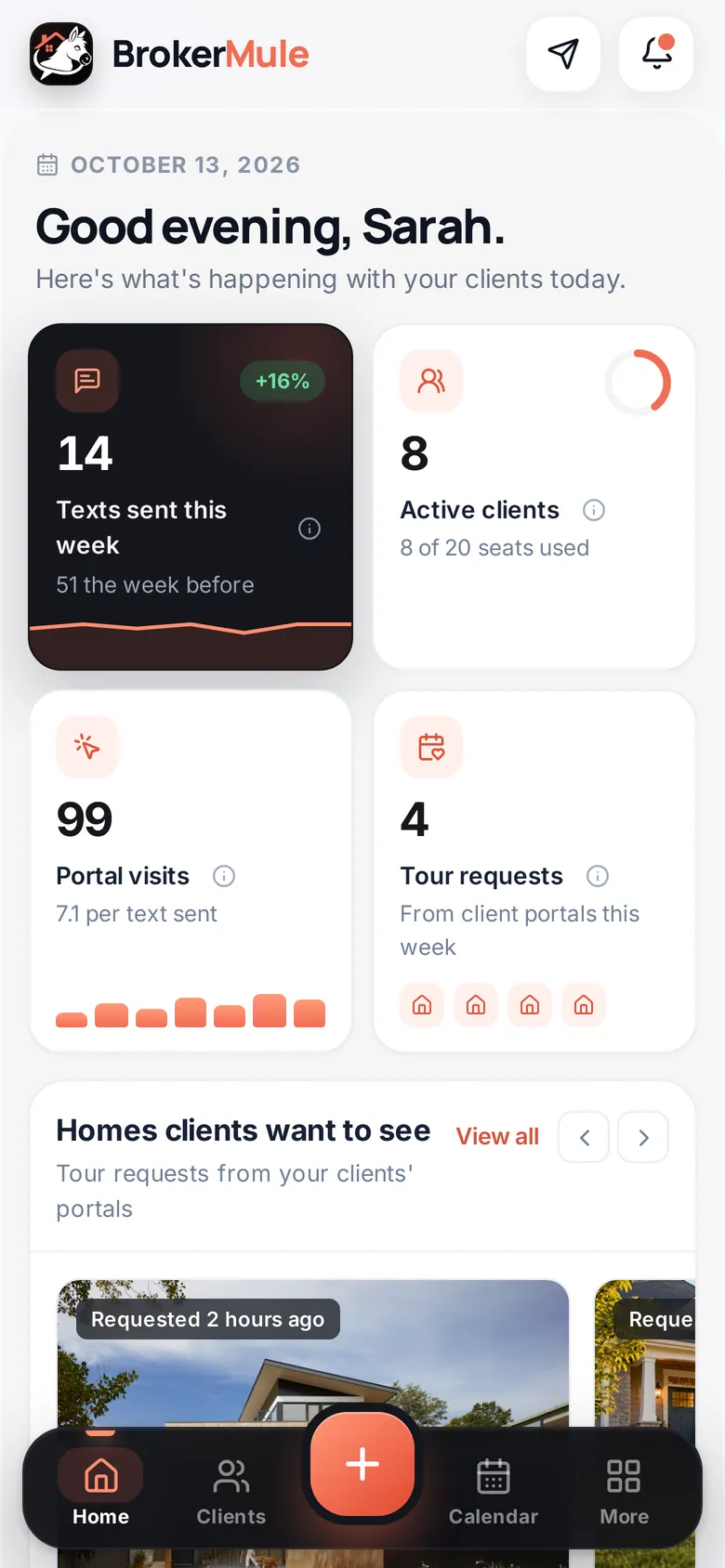
A seat is one client whose status is Active for automated texts. The ring on your Clients page shows how many you're using, like "8 of 20."
- Paused clients and CRM-only contacts don't use a seat.
- Pausing a client frees their seat right away.
- If you try to activate a client when every seat is taken, BrokerMule takes you to Billing with a note explaining why. Your client is still saved, with texts paused.
The Billing page
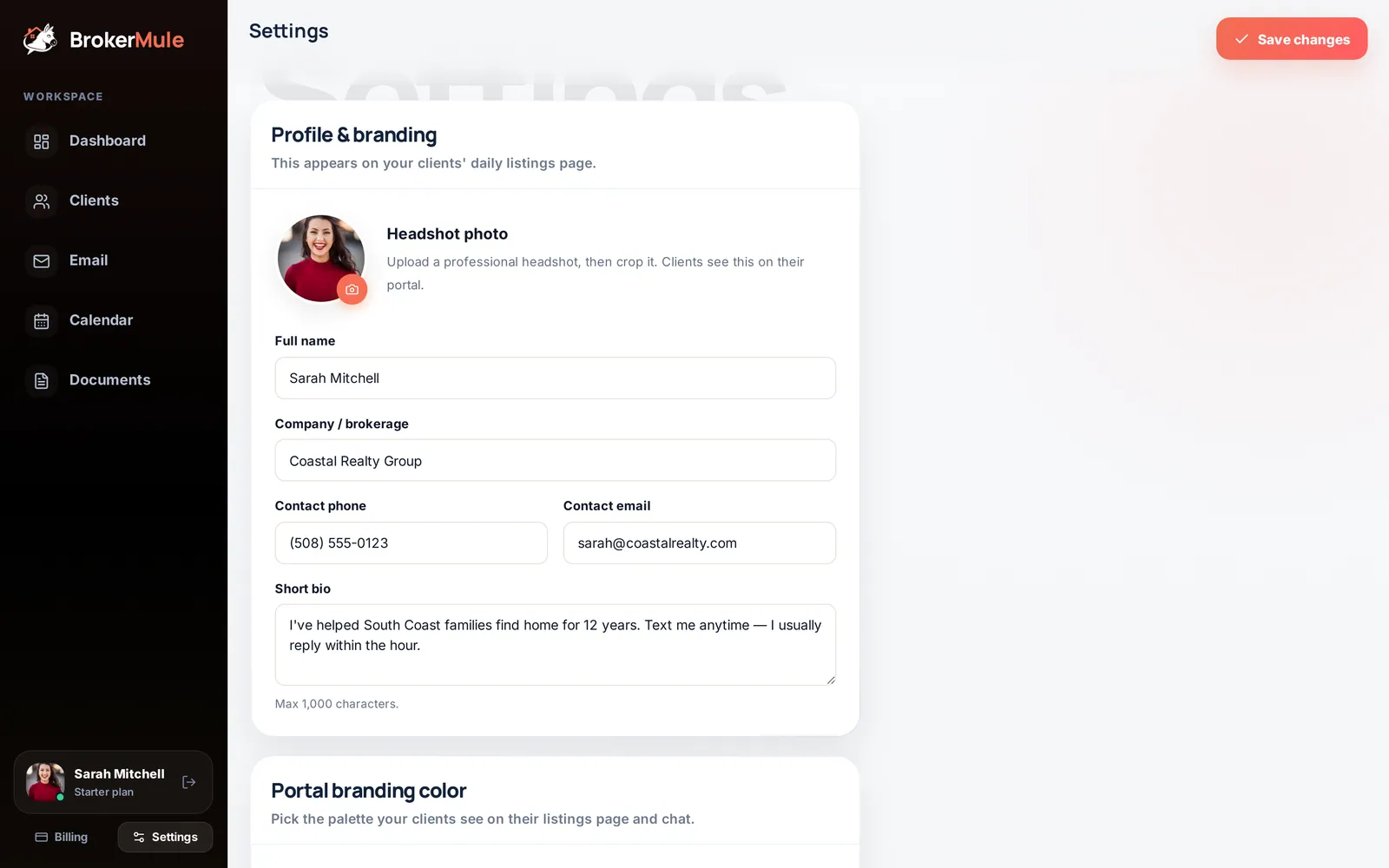
Open Billing from the bottom of the sidebar (or More → Billing on your phone).
- Your current plan – the plan you're on and how many active buyers it allows.
- Monthly / Yearly – switch to see each billing option. Yearly works out cheaper per month.
- Upgrade – opens a secure Stripe checkout. Your new seats are available as soon as payment goes through.
- Manage subscription – opens Stripe's billing portal, where you can update your card, download invoices, switch plans or cancel.
Monthly vs yearly billing
Yearly billing is paid once a year and costs less per month:
- Starter: $239.88 a year ($19.99 a month) instead of $348 paid monthly, a saving of about $108.
- Pro: $719.88 a year ($59.99 a month) instead of $948 paid monthly, a saving of about $228.
Sales and promo codes
When BrokerMule is running a sale, the Billing page shows the regular price crossed out next to the sale price. The discount is applied for you at checkout, so there's no code to type. Sale discounts apply to your first payment: the first month on monthly billing, or the first year on yearly billing. After that, your plan renews at the regular price.
Invoices and receipts
Click Manage subscription to open the Stripe billing portal. Your invoice history is listed there, and each invoice can be downloaded as a PDF for your records or your accountant.
Downgrading or canceling
Downgrades and cancellations are handled in Manage subscription. If your subscription ends, your account returns to the Free plan: you keep every client, note and document. Only as many active clients as your plan allows keep receiving texts (the active clients you added first), so pause the ones you don't need and the right buyers keep hearing from you. Nothing is deleted.
If a payment fails
You'll see "Payment failed — update your card" next to your plan. Click Manage subscription to update your payment method so texting isn't interrupted.
Frequently asked questions
Do I lose my clients if I downgrade?
No. Every client, note and document stays. Only the number of clients who can receive automated texts at once changes.
Do paused clients count toward my plan?
No. Only clients whose status is Active for automated texts use a seat.
How do I cancel?
Open Billing, click Manage subscription and cancel in the Stripe billing portal. Your account returns to the Free plan when the subscription ends.
Is there a discount for paying yearly?
Yes. Starter is $19.99 a month and Pro is $59.99 a month when billed yearly, compared with $29 and $79 billed monthly.
Do I need to enter a promo code during a sale?
No. When a sale is running, the discount is applied automatically at checkout and shown on the Billing page.
Where can I download my invoices?
Click Manage subscription on the Billing page to open the Stripe billing portal, where every invoice can be downloaded.